Run your HOA from the assistant you already use.
Connect Claude, Cowork, or any assistant that speaks MCP to your association. Ask what the declaration says, set up the building and invite the owners, draft the budget, raise the invoices — in the same chat window you already have open, with your board's permissions still in force.
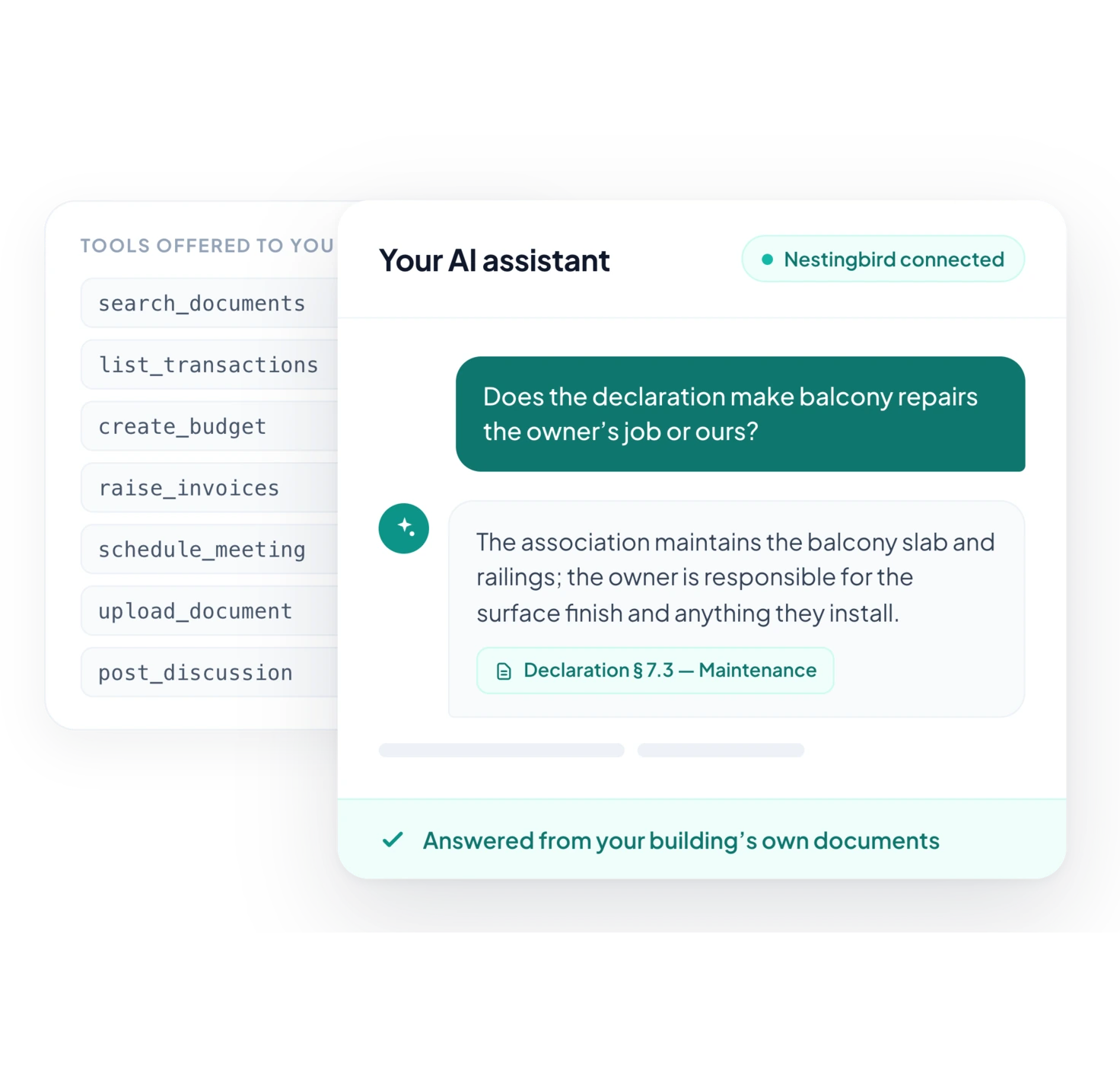
How it works
Three steps to a connected assistant.
Create a token, paste it into your assistant, and ask for what you need.
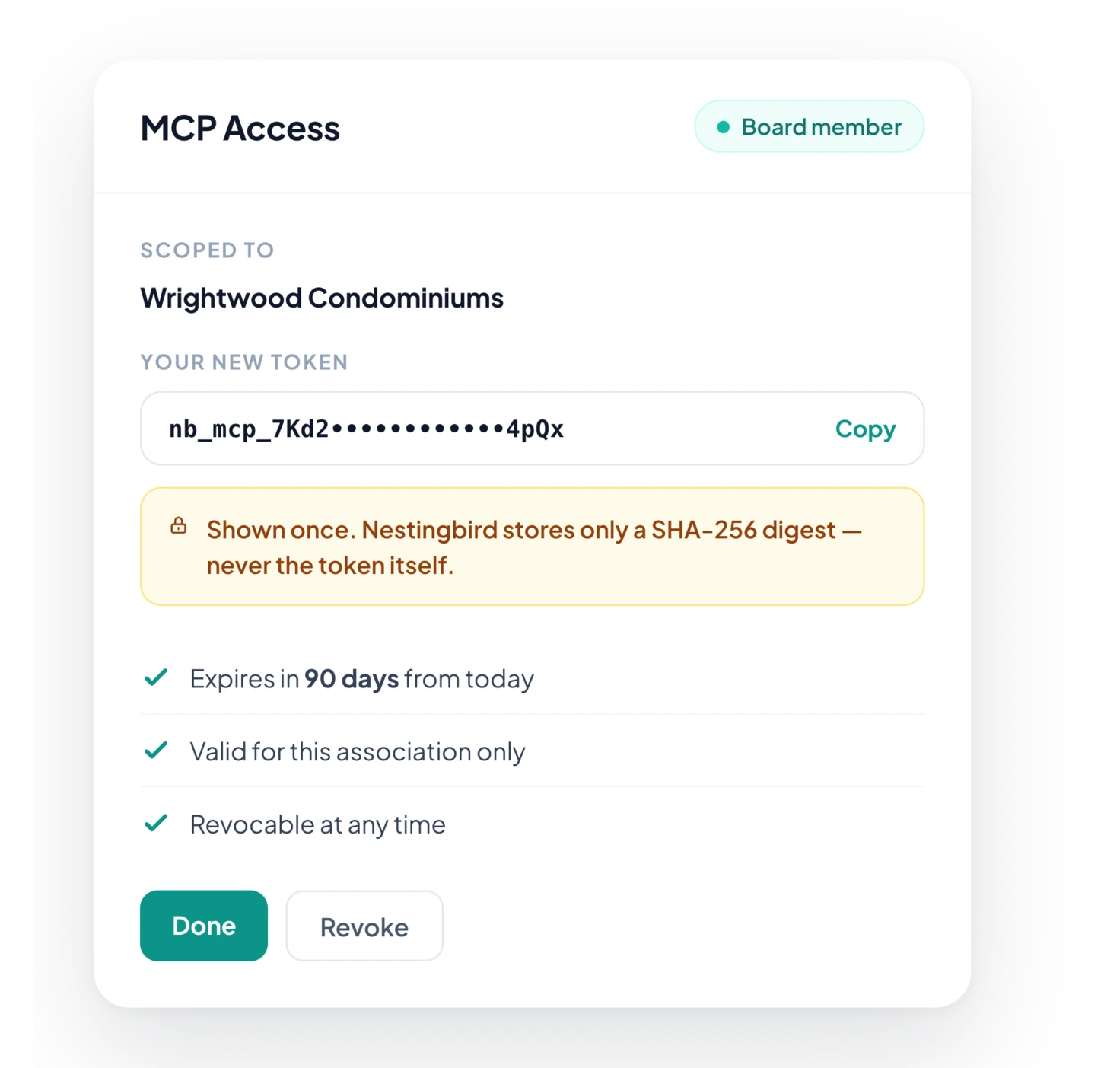
Create a token in Settings → MCP Access
One token, tied to you and to a single association. It's shown once, expires after 90 days, and you can revoke it whenever you like. Nestingbird stores only a SHA-256 digest — never the token itself.
- Settings → MCP Access
- Shown once, then only a digest is kept
- Expires after 90 days
- Revocable at any time
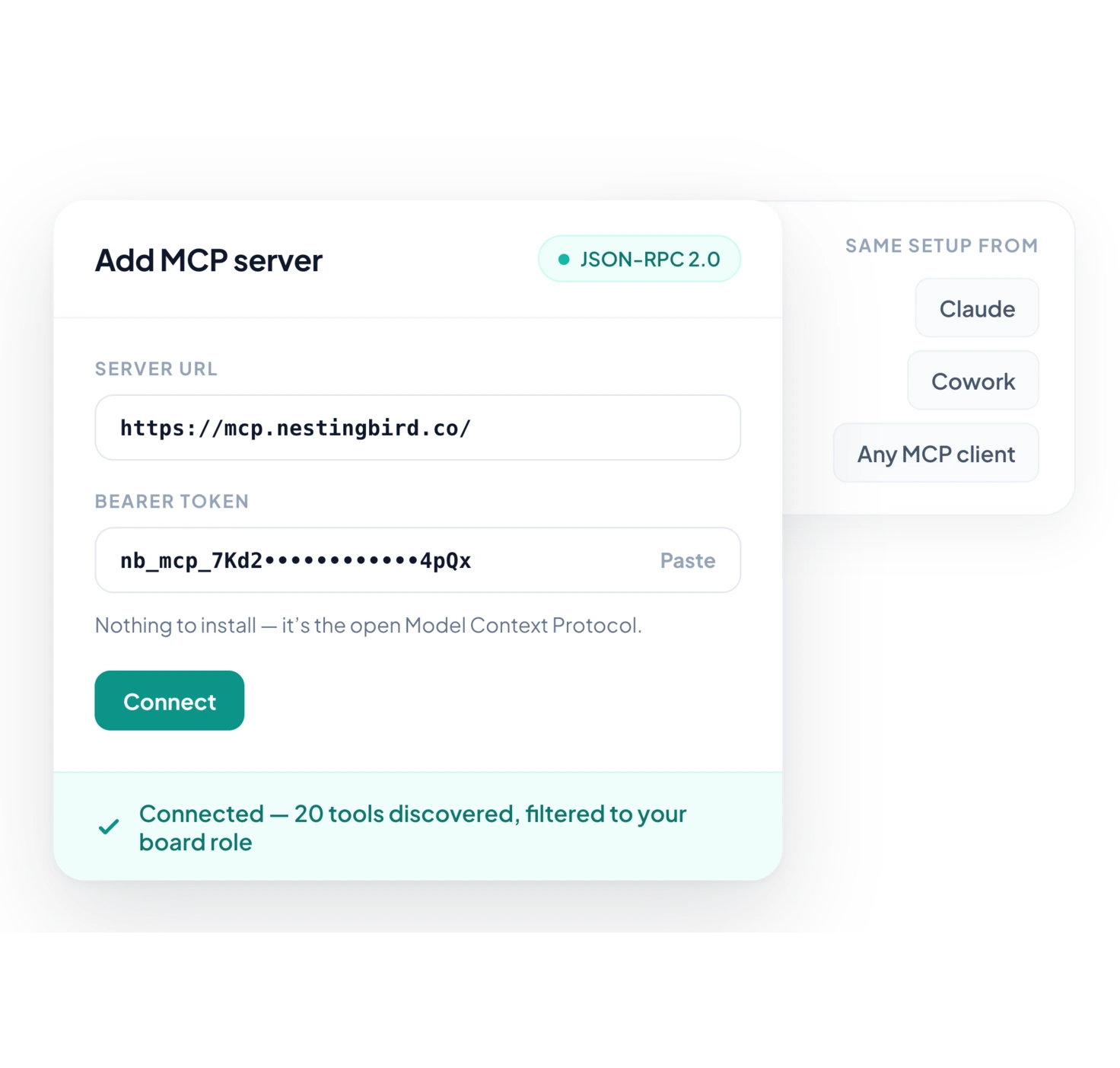
Add Nestingbird to your assistant
Point your assistant at mcp.nestingbird.co and paste the token. It's the open Model Context Protocol over JSON-RPC 2.0 — Claude, Cowork, or anything else that speaks MCP connects the same way. Nothing to install.
- One endpoint: mcp.nestingbird.co
- Bearer token authentication
- Claude, Cowork & any MCP client
- No plugin to install
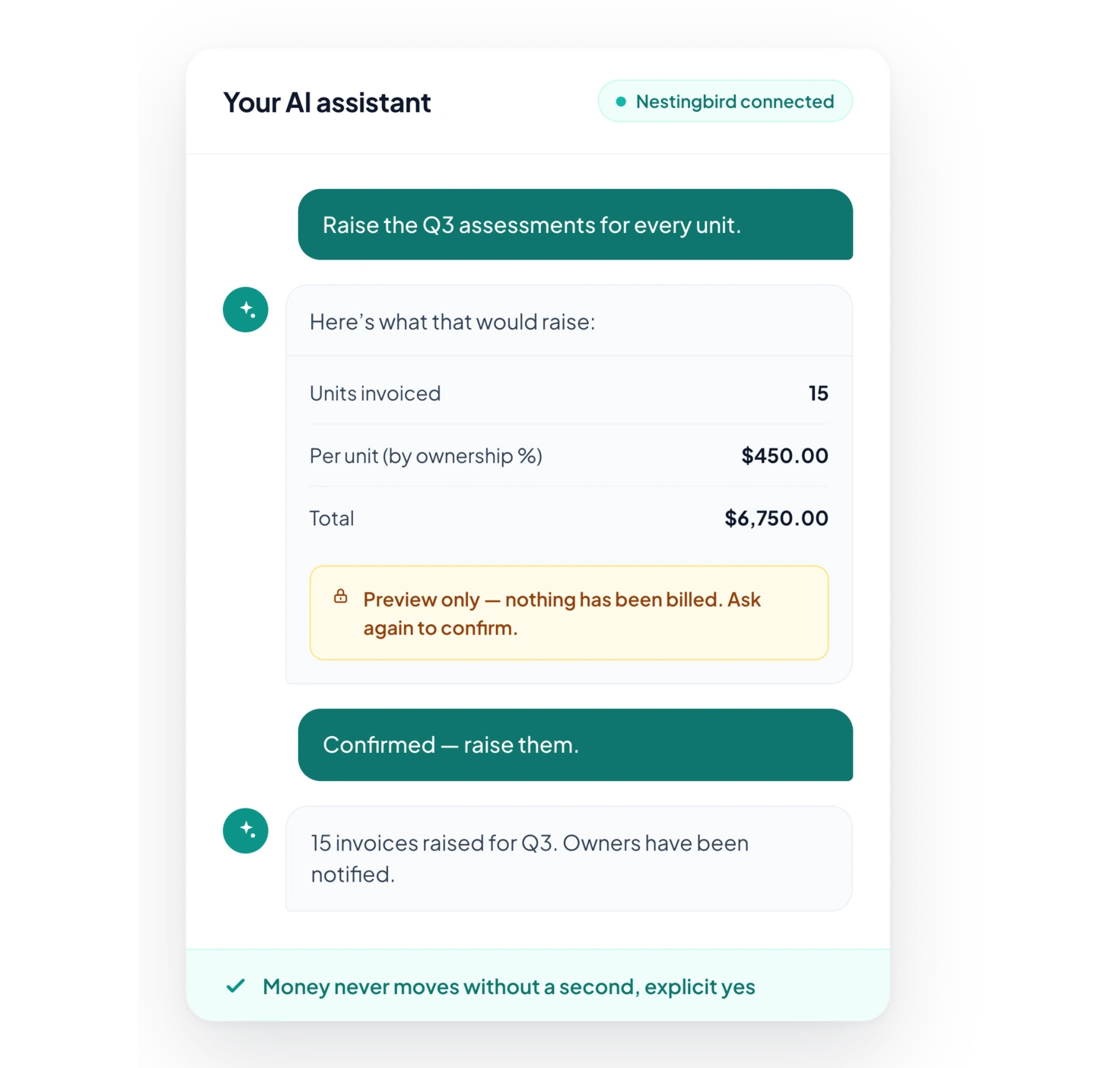
Ask for what you need
Search the governing documents, add the units and invite the owners, draft next year's budget, raise the quarterly invoices, schedule the meeting, post to the discussion board. Your assistant is only ever offered the tools your board role allows — and anything that charges an owner asks you to confirm first.
- Building setup & owner invitations
- Documents, budgets & monthly reports
- Invoicing & special assessments
- Meetings, tickets & discussions
What your assistant gets
What you get
Your assistant, held to your board's rules.
Connecting an assistant doesn't hand it the keys. Every call runs through the same permissions, limits, and records as the web app.
Board Role Enforced
The tool list your assistant sees is filtered by your token. An owner is never offered board-admin tools — they don't appear at all, so there's nothing to talk it into.
Answers From Your Own Documents
Semantic search across your governing documents, so answers come from your declaration, bylaws, and minutes — not a general guess about how HOAs usually work.
Books Without The Spreadsheet
Record a check or cash expense by hand, see what's still uncategorized, draft the year's budget from last year's spending, and generate a monthly expense report — without opening a spreadsheet.
Nothing Charges By Surprise
Invoices and special assessments come back as a preview first. Nothing is raised against an owner until you ask again and explicitly confirm.
Access You Can Revoke
One token, one association, 90 days. Only a SHA-256 digest is ever stored, so a token you revoke is genuinely gone.
Not Tied To One Assistant
It's the open Model Context Protocol, not a Claude-only integration. Any client that speaks MCP connects the same way, today or years from now.
The rest of the platform
One feature down. Here's the rest.
From the blog
More on running your building
Selling an Illinois Condo? How the 22.1 Disclosure Actually Works
Who asks for the 22.1, who puts it together, how long the board has, what it costs the seller, and what a listing agent can do before there's an offer.
ProductEvery Way Your Board Talks to Owners, Now in One Place
Your association now has one email address the whole board shares, can email every owner in its own name, and can mail letters, all from the Nestingbird Inbox.
Operations"Our Building Is Too Small for HOA Software" (No, It Isn't)
The compliance requirements, lender questionnaires, and maintenance obligations don't shrink just because your building does. Why small HOAs need a system too.
Stop managing your building from scattered spreadsheets.
15 minutes to set up. The free plan stays free. Or get your free Building Health Score first.