Board email, in one shared inbox.
Give your association one email address. Whatever owners, vendors, and the city send to it lands in a single inbox every board member can see — and the board can email every owner back from the same place.
How it works
One address in, every owner out.
Three steps. No forwarding chains, no board member's personal inbox in the middle.
Give the association one address
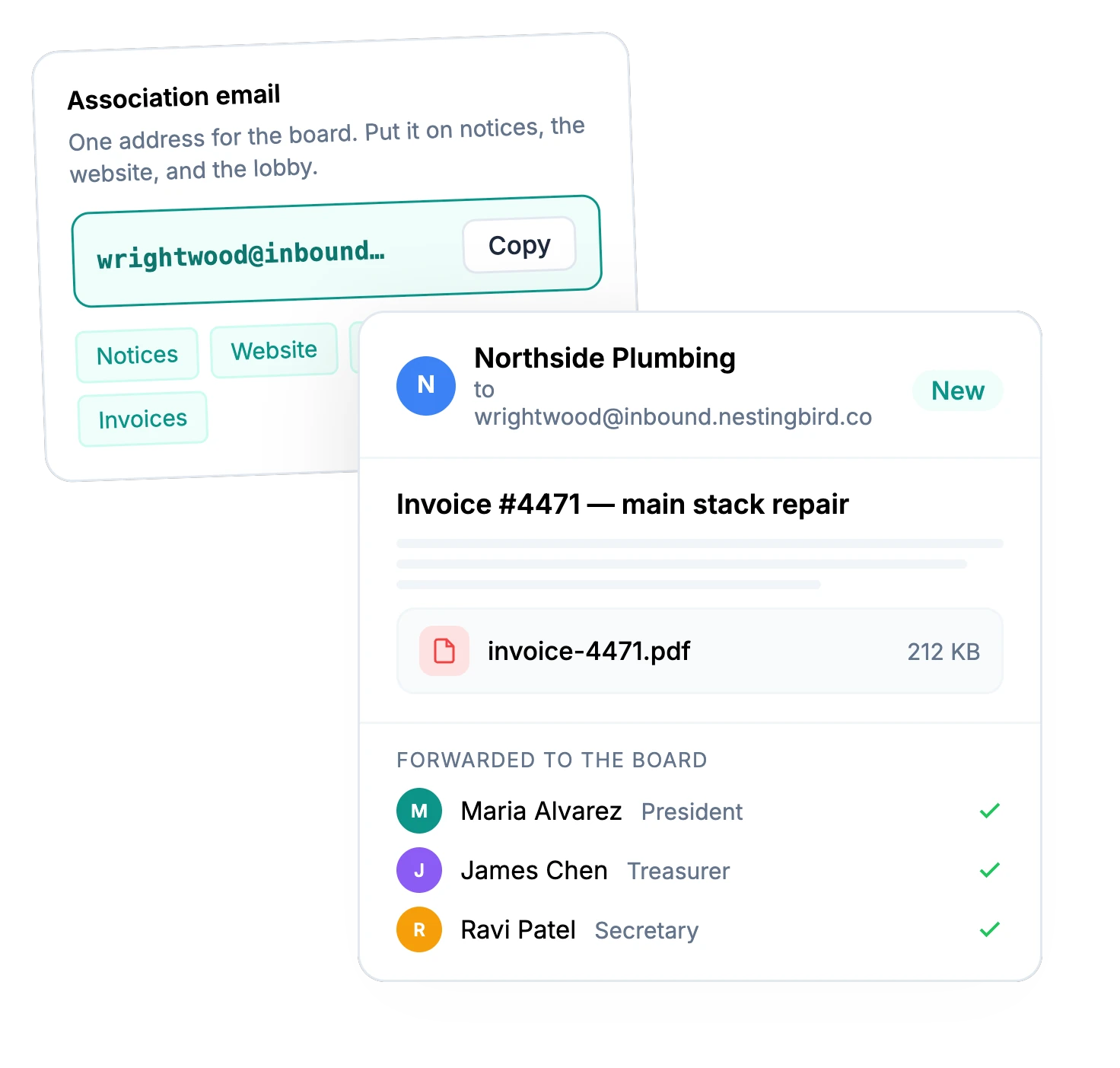
Pick an address owners will remember and put it on your notices, your website, and the lobby board. Mail sent to it belongs to the association — not to whoever happened to be treasurer when it arrived.
- A custom association address
- Attachments kept with the message
- Forwarded to every board member's email
- Nothing lost when the board turns over
Read and reply together
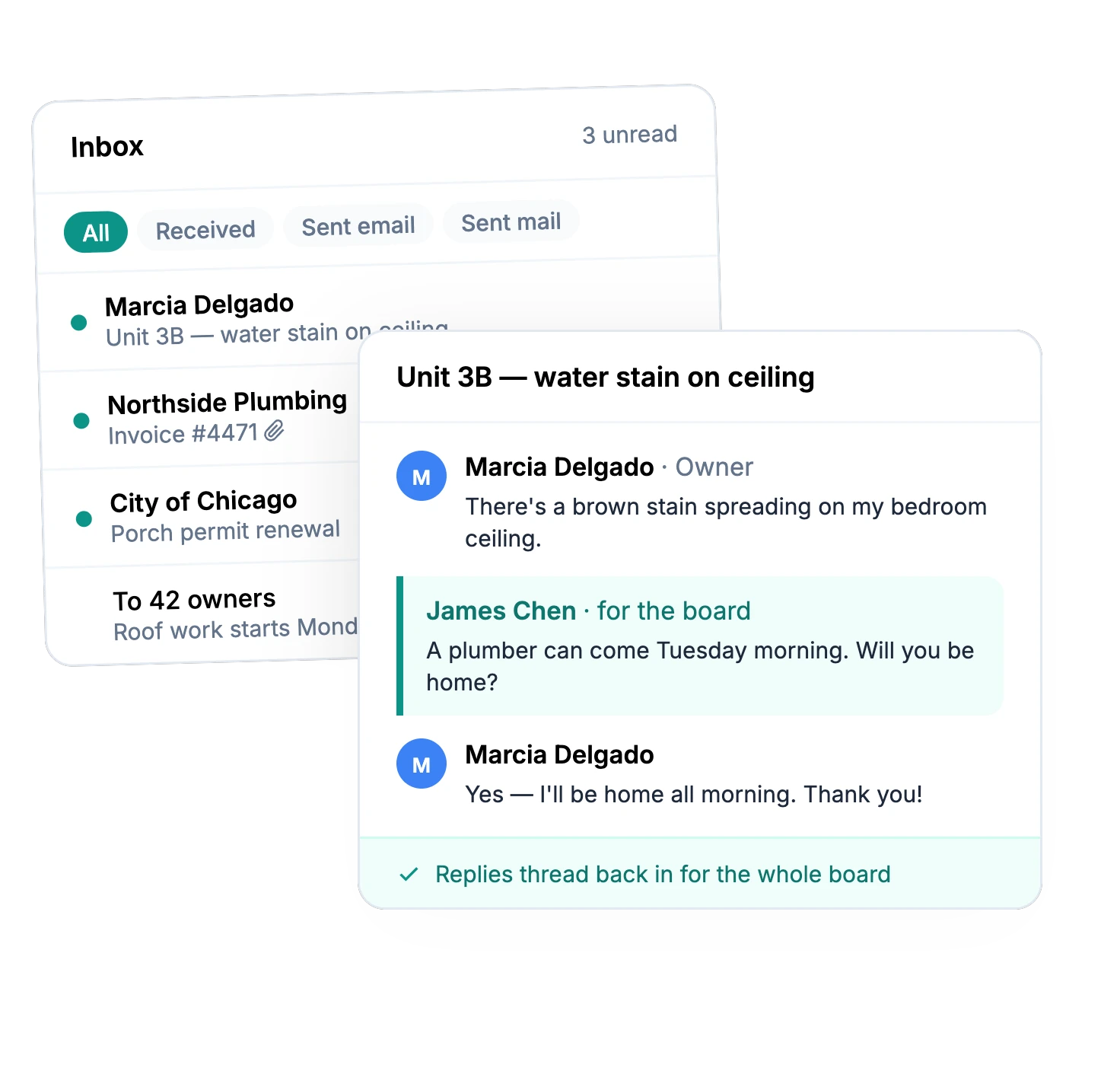
Every message lands in the Inbox, where every board member can read it. Reply from Nestingbird and the owner's answer threads back in, so the whole board sees the conversation — not just the person who answered.
- One inbox for the whole board
- Unread messages at a glance
- Replies thread back in
- Search by subject or sender
Send announcements to every owner
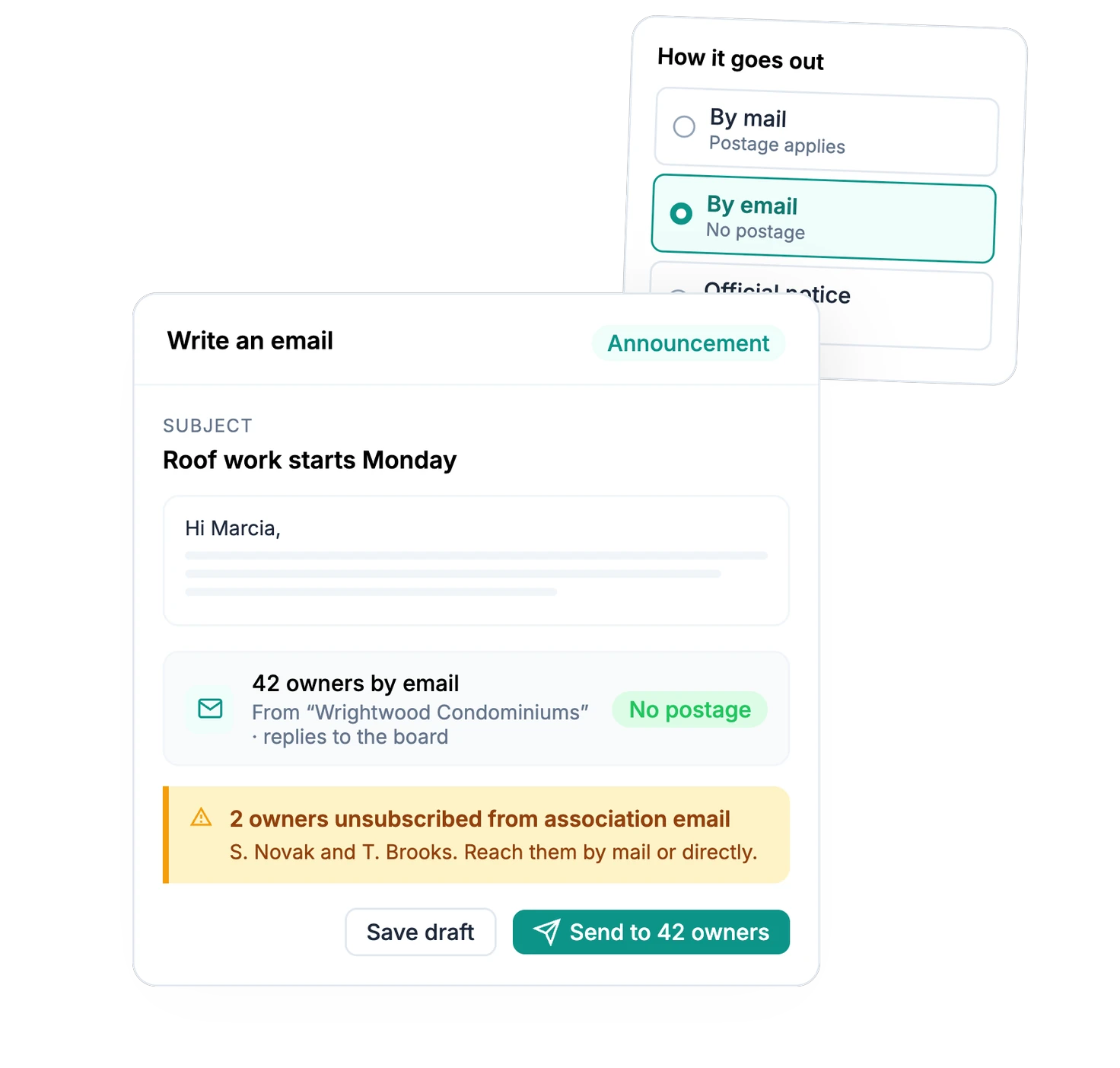
Write once and send it to all owners, the board, or specific people. It goes out in your association's name, replies come back to the board, and there's no postage. Need paper too? Send it by mail or as an official notice from the same composer.
- All owners, the board, or specific people
- Sent in your association's name
- See who has unsubscribed
- Email, mail, or an official notice
What it replaces
What you get
Board email, without the forwarding chain.
Owner questions, vendor invoices, city notices, and every announcement you send — in one place the whole board can see.
One Association Address
Choose a custom address for your association. It stays the same when the board changes, so owners and vendors never have to learn a new one.
A Shared Inbox
Every message sent to the association is saved in the Inbox for the whole board, and forwarded to each board member's own email so nothing waits for someone to log in.
Attachments Kept
Invoices, photos, and PDFs arrive with the message they came in on, so the context is never more than a click away.
Replies That Thread
Answer an owner from Nestingbird. Their reply comes back into the same conversation, where every board member can follow it.
Email Announcements
Email all owners, the board, or specific people — sent in your association's name, with replies going to the board and no postage.
Official Notices, Routed
Send a notice by email to owners who agreed to electronic delivery and by mail to everyone else. One notice, one record.
Know Who Opted Out
Owners can unsubscribe from association email. The board sees exactly who did, so you can reach them by mail or in person instead.
The rest of the platform
One feature down. Here's the rest.
From the blog
More on running your building
You Just Got Elected to Your HOA Board. Now What?
A first-person guide from someone who learned every lesson the hard way — and built a tool so you don't have to.
OperationsDoes Your Small HOA Actually Need a Management Company?
An honest look at where management companies earn their fee, where they don't, and how to figure out which side of that line your building falls on.
ProductWhat You Can Do With Nestingbird Before Spending a Dollar
A walkthrough of everything your board can set up on the free plan — from collecting dues to storing documents to asking your bylaws a question.
Stop managing your building from scattered spreadsheets.
15 minutes to set up. The free plan stays free. Or get your free Building Health Score first.